Overview
The Phone integration lets you provision phone numbers and configure inbound call routing. Incoming calls are routed to agents based on priority and availability, and a support case is automatically created for each call.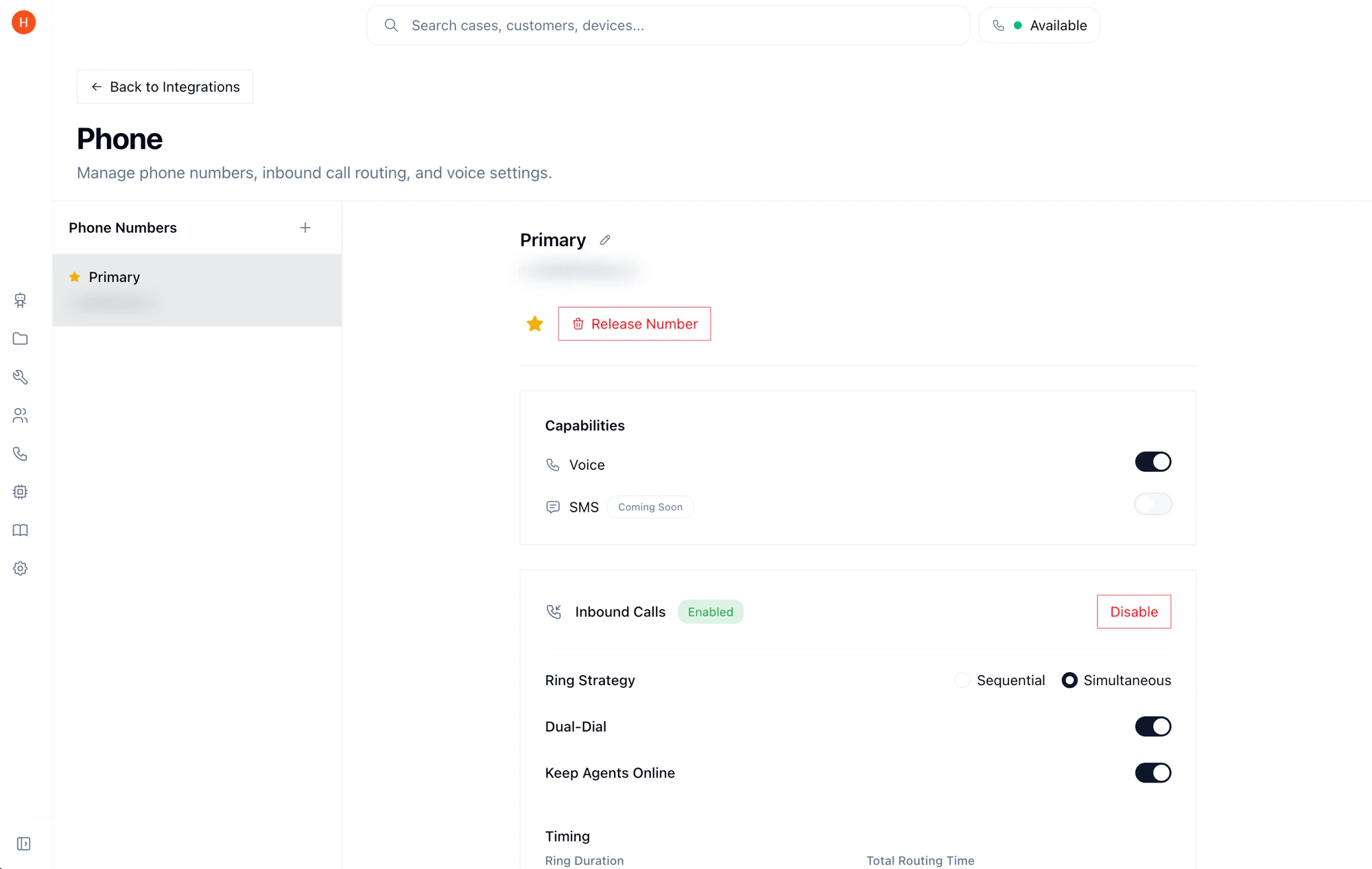
Setup
1
Provision a phone number
Navigate to Settings > Integrations > Phone and provision a new phone number. Select your desired country and area code, then confirm.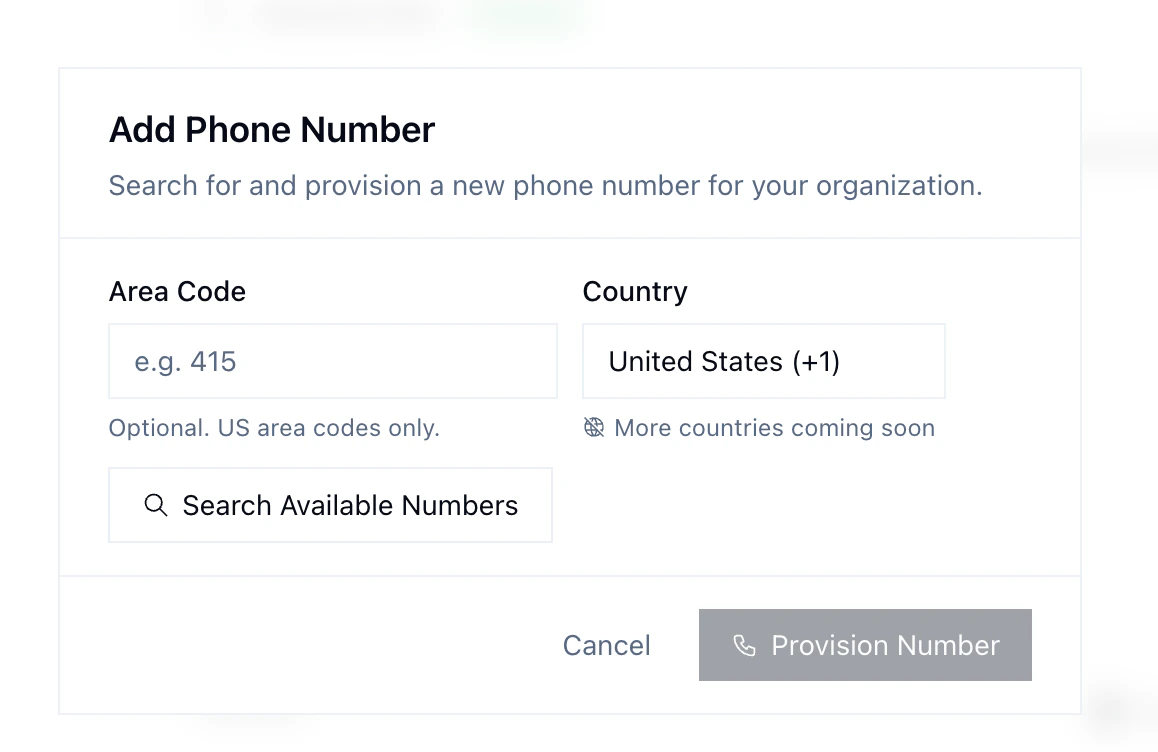
2
Configure inbound call routing
Set up how incoming calls are handled: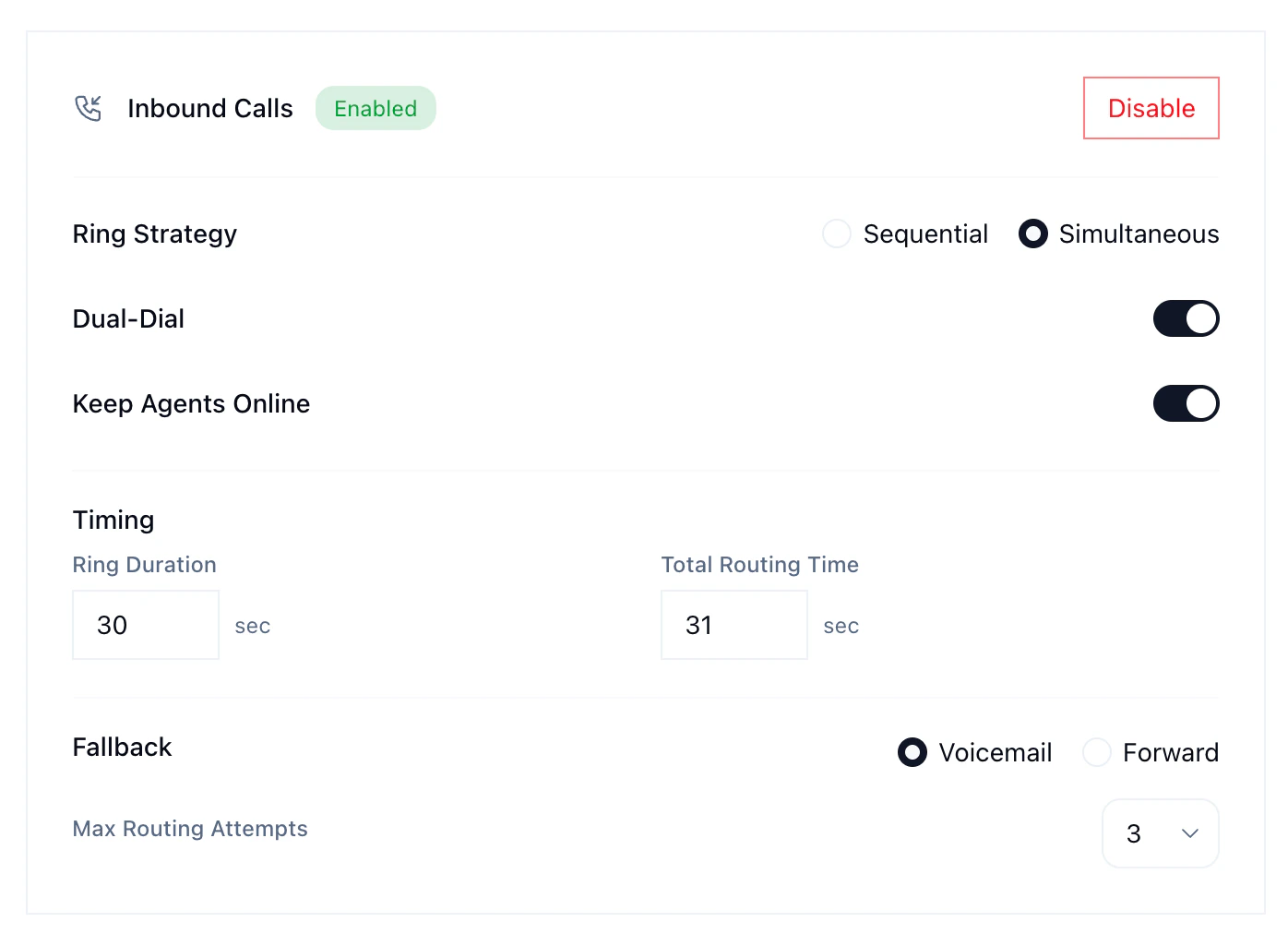
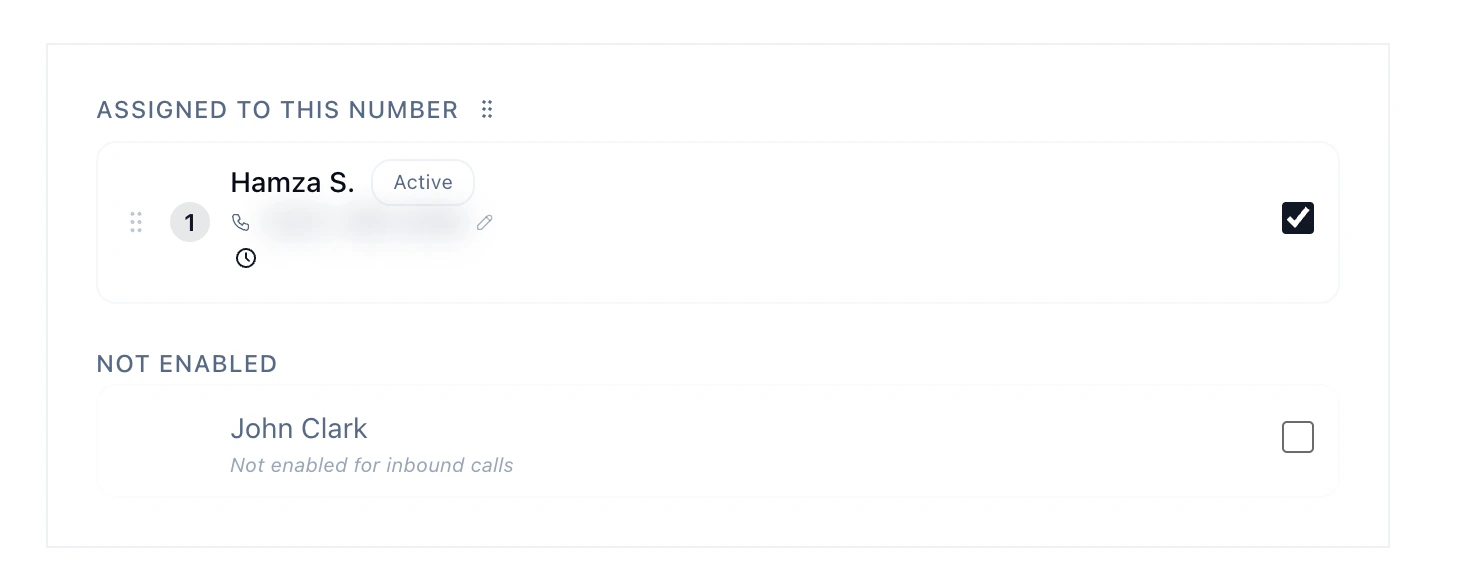
- Agent call priority — define the order in which agents receive incoming calls.
- Ring strategy — sequential rings agents one at a time in priority order; simultaneous rings all available agents at once, first to answer gets the call.
- Voicemail — configure voicemail for when no agents are available.
Agent Availability
After being assigned to a phone number, agents must set themselves to Available in the dashboard to start receiving calls. The phone status toggle is in the top-right corner.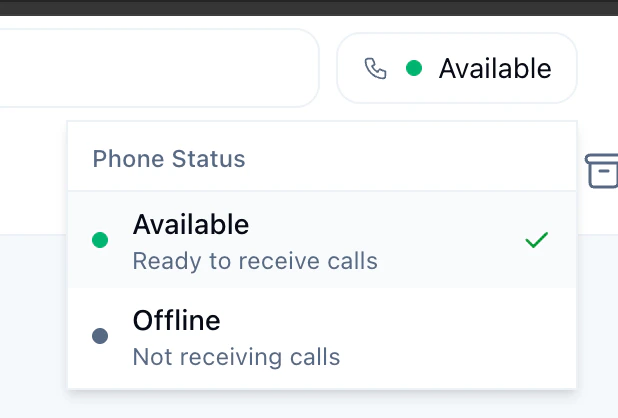
Dual-Dial
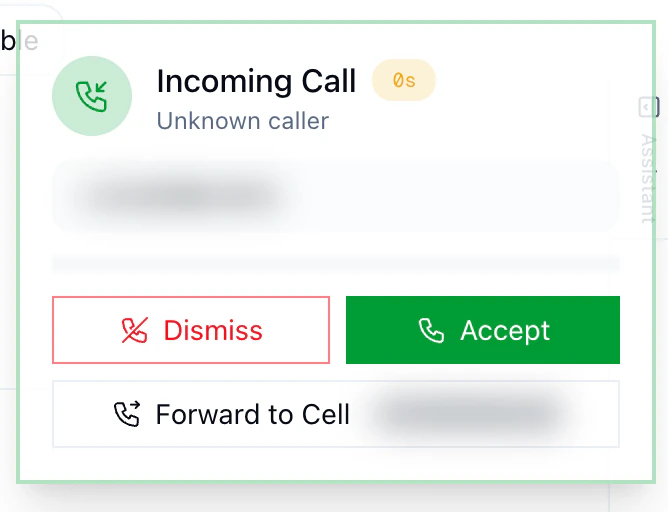
When enabled, incoming calls ring the agent’s personal phone alongside their browser. The agent presses a key to confirm before being connected. This lets your team take calls from their cell when they’re away from the dashboard. Each agent configures their own phone number in their profile.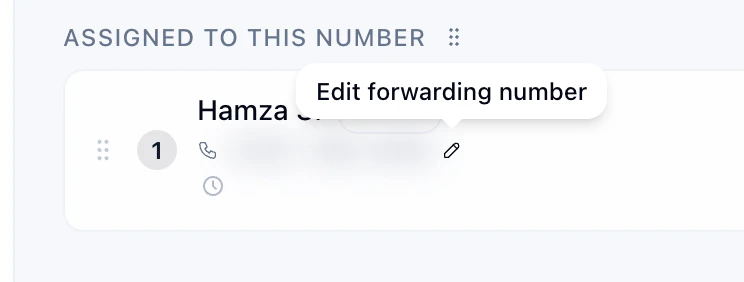
Business Hours
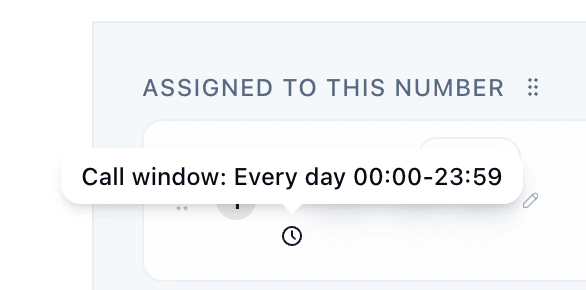
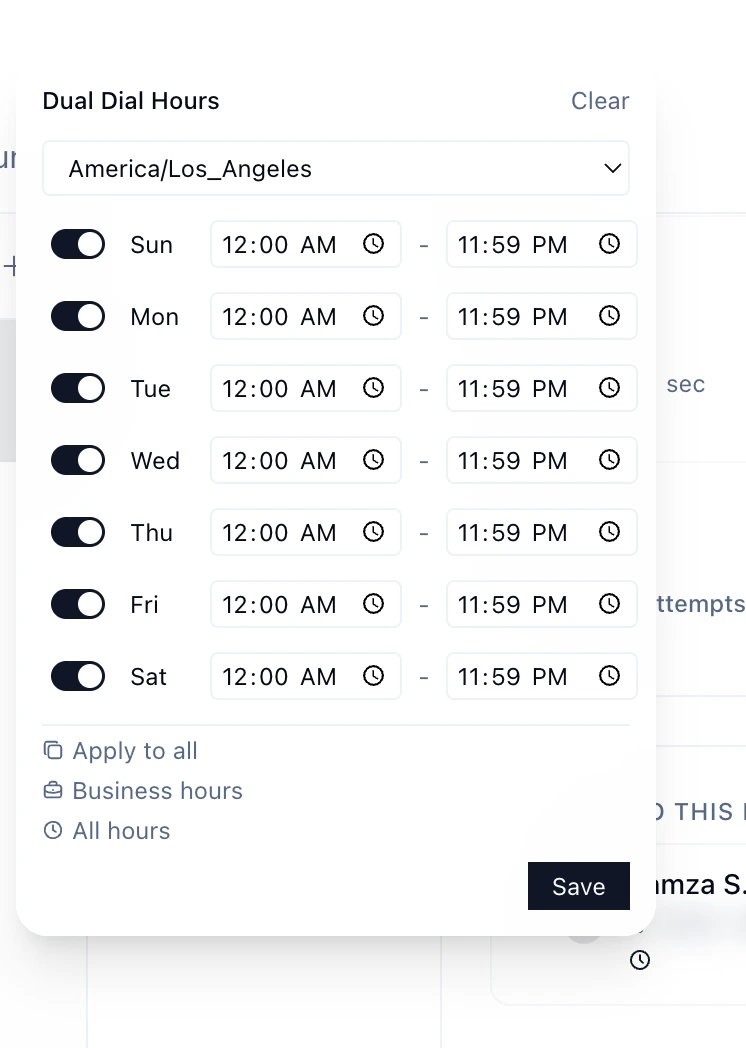
Each agent has a configurable call window that controls when they can receive calls. You can set:- Timezone — the agent’s local timezone
- Per-day schedule — enable/disable specific days with custom start and end times
- Presets available: “Business hours” (Mon–Fri 9–5) or “All hours”