

How It Works
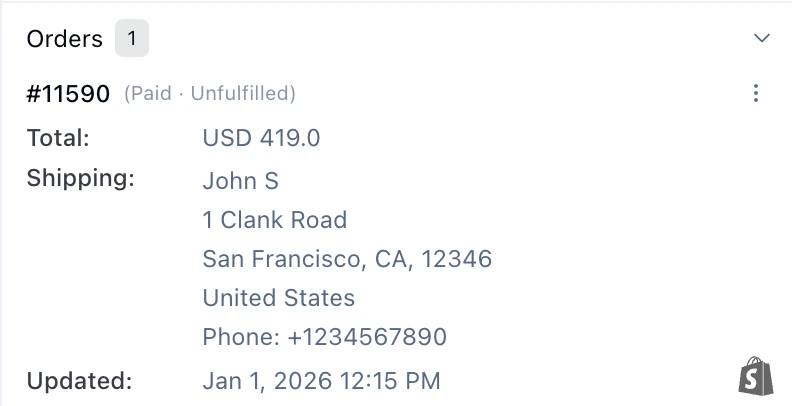
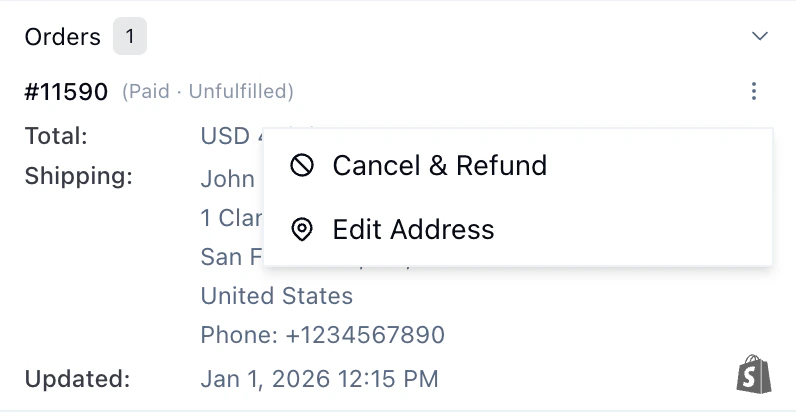
After connecting, Telemetron syncs your Shopify data including orders, products, and customer records. The AI agent can:- Look up orders by order number, email, or customer name
- Search products to answer questions about availability, specs, and pricing
- Access customer data to provide personalized, contextual support
Overview
Integrate your Shopify store with Telemetron to automatically sync orders, products, and customer data. Once connected, the AI agent can look up order details, product information, and provide contextual support to your customers.Prerequisites
- An active Shopify store
- Admin access to your Shopify account
- A Telemetron account with admin permissions
Setup
1
Install the Telemetron AI app
Install the Telemetron AI app from the Shopify App Store.
2
Open the app in Shopify Admin
In your Shopify Admin, go to Apps > Telemetron AI.
3
Copy the secret code
Copy the secret code displayed on the Telemetron app page in Shopify.
4
Open Telemetron integration settings
In Telemetron, go to Settings > Integrations > Shopify.
5
Complete the connection
Paste the secret code and click Complete Sync.